Create Bad Word Filter Service
As a bookstore owner, you aim to receive instant notifications in a Slack channel whenever a customer submits a new negative review comment. By leveraging Knative Function, you can set up a serverless function that contains a simple bad word filter service to tell whether the text contains any hateful/insulting speech.
What Knative features will we learn about?
- The easiness to use Knative Function to deploy your service, and make it be managed by Knative Serving, which gives you the ability to auto-scale your service to zero, and scale up to handle the demand.
What does the final deliverable look like?
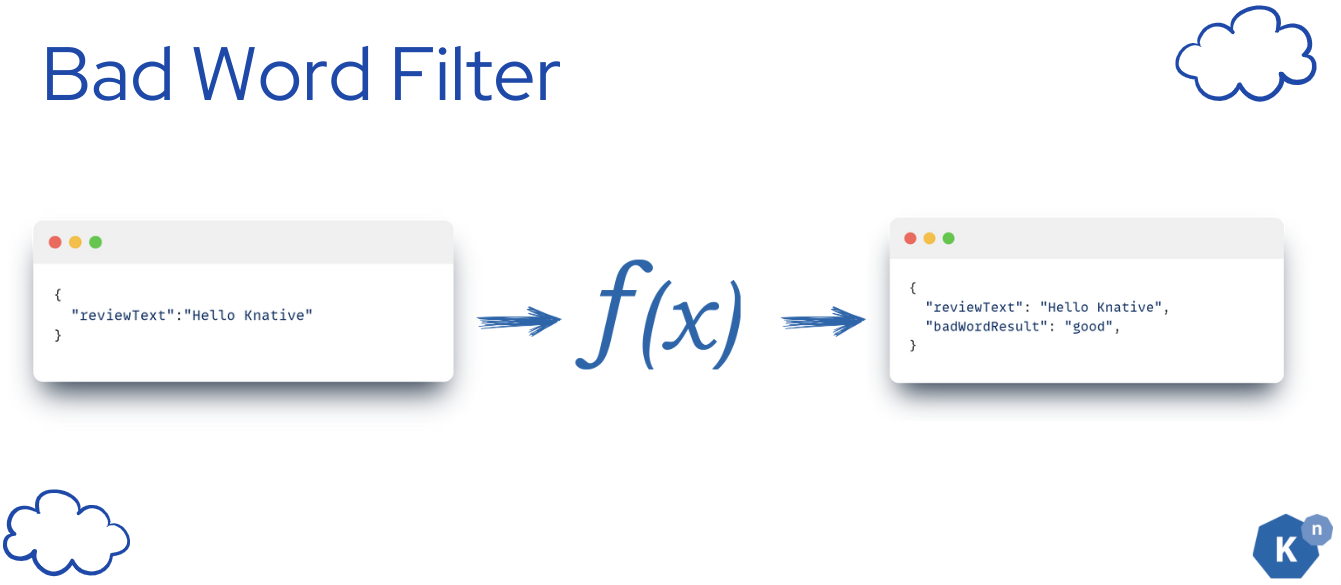
A running serverless Knative Function that contains a python application that receives the new review comments as CloudEvent and returns the result that tells your input text contains any inappropriate languages or not. The result is sent back as CloudEvent.
Info
We are using the profanity_check library to detect the bad words in the text. It is a open source library. Please see the disclaimer here. The result may not be 100% accurate.
The function's output will be only from:
- good
- bad
Implementation
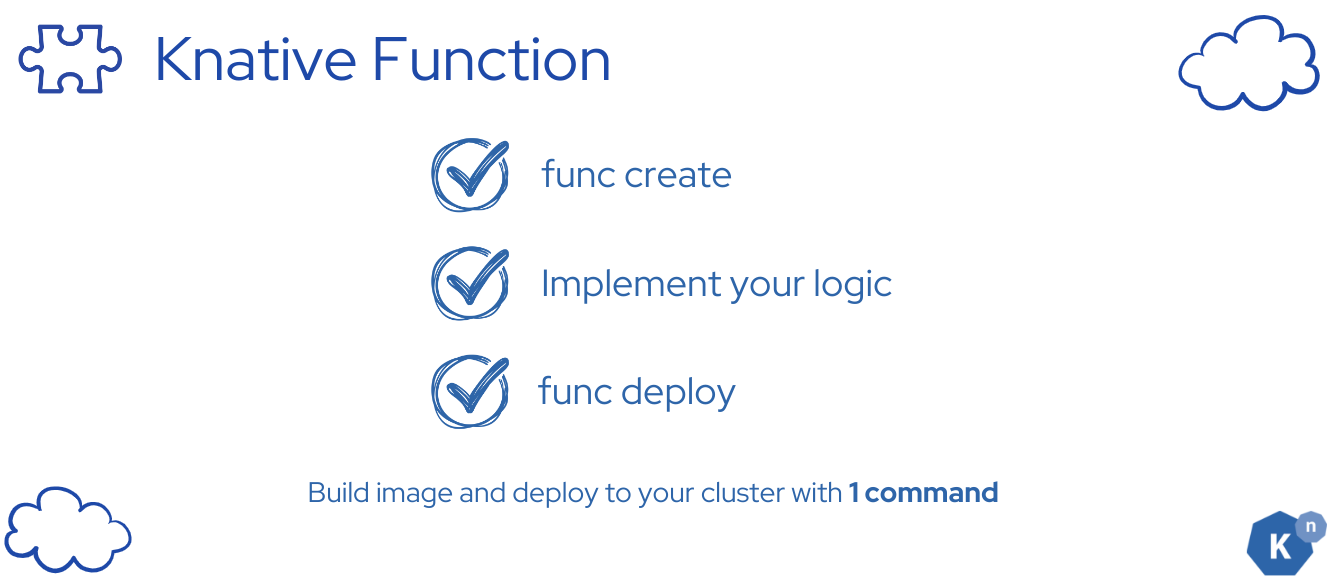
The process is straightforward:
- Begin by utilizing the
func createcommand to generate your code template. - Next, incorporate your unique code into this template.
- Finally, execute
func deployto deploy your application seamlessly to the Kubernetes cluster.
This workflow ensures a smooth transition from development to deployment within the Knative Functions ecosystem.
Step 1: Create a Knative Function template
func create -l python bad-word-filter -t cloudevents
Verify
The file tree -a will look like this:
start/bad-word-filter
.
├── .func
│   └── local.yaml
├── .funcignore
├── .gitignore
├── func.yaml
├── function
│   ├── __init__.py
│   └── func.py
├── pyproject.toml
├── README.md
└── tests
    └── test_func.py
Step 2: Replace the generated code with the bad word filter logic
Read the canonical bad-word function source (view on GitHub).
It analyzes reviewText and replies with both a badwordfilter CloudEvent extension
and the badWordResult data field, each set to good or bad.
From the start directory in your clone, copy it into your generated function
without replacing the generated func.yaml:
cp ../solution/ML-bad-word-filter/function/func.py bad-word-filter/function/func.py
Step 3: Configure the dependencies
 Use the checked-in project configuration (view on GitHub),
which declares the profanity model and compatible CloudEvents core API:
Use the checked-in project configuration (view on GitHub),
which declares the profanity model and compatible CloudEvents core API:
cp ../solution/ML-bad-word-filter/pyproject.toml bad-word-filter/pyproject.toml
Step 4: Deploy the function to the cluster
Note
Please enter /bad-word-filter when you are executing the following commands.
func deploy -b=s2i -v
Verify
Expect to see the following message:
Function deployed in namespace "default" and exposed at URL:
http://bad-word-filter.default.svc.cluster.local
Verify
func invoke -f=cloudevent --data='{"reviewText":"I love Knative so much"}' -v
Verify
Expect to receive a CloudEvent response:
Context Attributes,
specversion: 1.0
type: new-review-comment
source: book-review-broker
id: ebbcd761-3a78-4c44-92e3-de575d1f2d38
time: 2024-05-27T04:44:07.549303Z
datacontenttype: application/json
Extensions,
badwordfilter: good
Data,
{
"reviewText": "I love Knative so much",
"badWordResult": "good"
}
If you see the response, it means that the function is running successfully.
Next Step

In this tutorial, you learned how to create a serverless function for a simple service that can detect inappropriate languages in text with Knative.
Next, we'll be learning how to use Knative Sequence to connect the 2 ML workflows and make sure they are executed in the order you want.